
SEO-Friendly Website Development Checklist: 15 Things
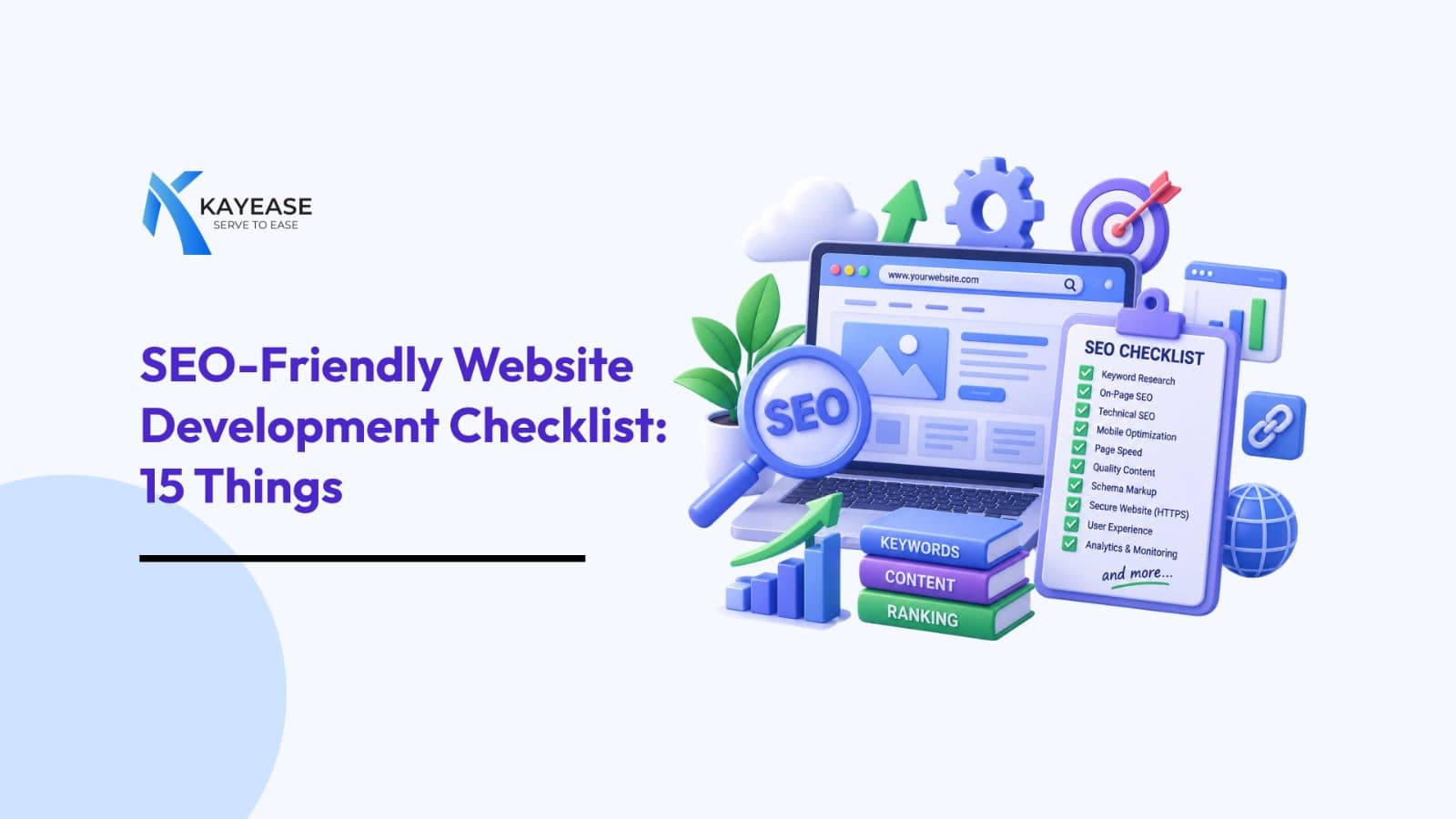
A website can look great and still be invisible on Google. Discover the essential SEO checks to make your website faster, smarter, and search-friendly before it goes live.
SEO-Friendly Website Development Checklist: 15 Things to Get Right Before Your Website Goes Live
A website can look incredible, load with beautiful animations, and have the perfect brand colors and still struggle to appear on Google.
That’s the frustrating part about website development.
A website isn’t truly finished when it looks good. It’s finished when search engines can understand it, users can navigate it, and your business can actually be found.
This is where SEO-friendly website development comes in.
SEO shouldn't be something you “add later” after the website is built. Many of the decisions that affect SEO URL structure, page speed, mobile responsiveness, headings, technical setup, and content structure begin during development itself.
So before your developer says “The website is live!”, run through this checklist.
1. Start With the Question: “What Does This Page Want to Rank For?”
Before writing code, decide what each important page is about.
For example:
- Homepage → Your primary service/business keyword
- Service page → Specific service keyword
- Product page → Product + relevant search term
- Blog → Informational search query
Don't make every page compete for the same keyword. Instead, create a simple keyword-to-page map, Page Primary Keyword Search Intent
- Homepage
- Software Development Company
- Commercial
- Service Page
- CRM Software Development
- Commercial
- Blog
- CRM Benefits for Small Businesses
- Informational
This prevents keyword cannibalization, where multiple pages unintentionally compete against each other.Think of it like assigning seats in a classroom. Every keyword needs the right page to sit on.
2. Keep Your Website Architecture Simple
Imagine visiting a website where you need to click six times just to find a service.
You'd probably leave.
Google's crawlers face the same problem.
Create a logical hierarchy:
Homepage → Category/Service → Sub-service → Supporting Content
For example:
Home → Services → Software Development → SaaS Development
A good website structure helps both:
- Search engines crawl your website
- Visitors find information quickly
As a general rule, important pages shouldn't be buried deep inside the website.
3. Give Every Page a Unique SEO Title
Your title tag is one of the first things search engines and users see.
Instead of:
Home | Kayease
Try something more descriptive:
Custom Software Development Company in India | Kayease
Keep titles:
- Relevant to the page
- Unique
- Descriptive
- Naturally keyword-focused
- Written for humans, not keyword bots
Don't turn your title into:
Software Development | Software Company | Best Software Development Company | Software Developer
That's not optimization.
That's keyword stuffing wearing an SEO costume.
4. Write Meta Descriptions That Earn the Click
A meta description doesn't directly guarantee higher rankings, but it can influence whether someone clicks your result.
Think of it as your website's tiny sales pitch on Google.
Instead of:
We provide software development services.
Try:
Build scalable software solutions tailored to your business. Explore Kayease's technology solutions for smarter, faster digital growth.
Make it:
Useful + relevant + intriguing.
Your goal isn't simply:
“We exist.”
Your goal is:
“You should click us.”
5. Don't Let H1 Tags Become a Design Decoration
Your H1 should clearly communicate the primary topic of the page.
For example:
H1:
Custom Software Development Solutions for Growing Businesses
Then structure the rest of the content logically:
H2:
Our Software Development Services
H3:
SaaS Product Development
H3:
CRM Development
H3:
Enterprise Software Solutions
This creates a clear content hierarchy.
And remember:
H1 → H2 → H3
isn't just typography.
It's information architecture.
6. Make URLs Boring in a Good Way
Your URL doesn't need to be clever.
It needs to be understandable.
Poor:
website.com/page?id=4728
Unclear:
website.com/services/service-final-new2
Better:
website.com/software-development
For blog content:
website.com/blog/seo-friendly-website-development
Keep URLs:
- Short
- Descriptive
- Readable
- Keyword-relevant when appropriate
- Consistent
If a human can't guess what a page contains from its URL, your URL probably needs work.
7. Mobile-First Isn't Optional Anymore
Your customer might discover your business while sitting on a sofa, waiting for a cab, standing in a queue, or pretending to work during lunch.
Your website needs to work on that phone.
Check:
- Responsive layouts
- Readable font sizes
- Touch-friendly buttons
- Proper spacing
- Mobile navigation
- Images that scale correctly
- Forms that work on smaller screens
Google also uses mobile-first indexing, meaning the mobile version of your site is particularly important for how Google crawls and indexes your content.
So don't build the desktop version and treat mobile as an afterthought.
8. Make Page Speed a Development Priority
Here's an uncomfortable truth:
A beautiful website that takes forever to load isn't beautiful to the person waiting for it.
Large images, unnecessary JavaScript, excessive animations, third-party scripts, and poorly optimized code can slow a website down.
Pay attention to:
- Image compression
- Modern image formats
- Browser caching
- Minification
- Lazy loading
- Code splitting where appropriate
- Reducing unnecessary scripts
- Efficient hosting/CDN configuration
Also monitor Google's Core Web Vitals, particularly:
- LCP — loading performance
- INP — interaction responsiveness
- CLS — visual stability
Speed isn't just an SEO consideration.
It's a user-experience issue, conversion issue, and business issue.
9. Give Images an SEO Job
An image named:
IMG_4837.jpg
doesn't tell Google much.
Something like:
crm-sales-dashboard.jpg
is more descriptive.
Also add meaningful alt text where appropriate.
For example:
CRM dashboard showing sales analytics and lead tracking
Alt text should describe the image naturally.
Don't turn it into:
best CRM software CRM company CRM dashboard CRM India
That's not SEO.
That's keyword stuffing.
10. Create an Internal Linking Strategy
Your website shouldn't behave like a collection of isolated islands.
Connect related pages.
For example, a blog about CRM could link to:
CRM Software → CRM Development Services → Contact Us
Internal links help users discover relevant content and help search engines understand relationships between pages.
Instead of writing:
Click here
use descriptive anchor text such as:
explore our CRM software solutions
when it naturally fits.
11. Add a Sitemap and Robots.txt
Two small files can have a surprisingly important technical role.
XML Sitemap
Your sitemap helps search engines discover important URLs on your website.
Robots.txt
This file provides crawling instructions to search engine bots.
But be careful.
A badly configured robots.txt file can accidentally prevent search engines from crawling important pages.
Before launch, check:
“Can Google actually access the pages I want indexed?”
It sounds obvious.
It is surprisingly easy to get wrong.
12. Check Canonical Tags
Duplicate or very similar URLs can create confusion for search engines.
For example:
example.com/products
and
example.com/products/
may potentially be treated as separate URL variants depending on the site's configuration.
Canonical tags help communicate which URL should be considered the preferred version.
This becomes especially important for:
- E-commerce websites
- Filtered URLs
- Parameter-based pages
- Duplicate content variations
- Large websites
13. Don't Forget Schema Markup
Want search engines to understand your content more clearly?
Consider structured data.
Depending on the website, relevant schema types can include:
- Organization
- LocalBusiness
- Product
- Article
- Breadcrumb
- FAQ
- SoftwareApplication
Schema doesn't guarantee rich results.
But when correctly implemented and eligible, structured data can help search engines interpret specific information about your pages.
14. Connect Google Search Console Before Launch
Don't wait until three months after launch to ask:
“Why isn't Google showing my website?”
Set up Google Search Console early.
It can help you monitor:
- Indexing
- Search queries
- Search performance
- Crawl issues
- Sitemap status
- Mobile usability signals
- Page indexing problems
Also connect Google Analytics or another analytics platform to understand what visitors actually do after reaching your website.
Because ranking is only half the story.
The real question is: What happens after the click?
15. Run the “Pretend You're Google” Test
Before launching, stop looking at your website like its designer.
Look at it like a search engine.
Ask:
Can Google crawl it?
Check robots.txt, redirects, sitemap and technical accessibility.
Can Google understand it?
Check headings, content, structured data and internal links.
Can users use it?
Check navigation, mobile responsiveness and forms.
Can users trust it?
Check HTTPS, contact information, policies and consistent branding.
Can it compete?
Check whether each important page actually provides useful content for the search intent you're targeting.
If the answer is yes across the board, you're much closer to an SEO-ready launch.
Bonus: The 10-Minute Pre-Launch SEO Check
Right before your website goes live, check these:
- Every important page has a unique title
- Meta descriptions are written
- Each page has a clear H1
- URLs are clean and descriptive
- Website works properly on mobile
- Images are compressed and have appropriate alt text
- Core Web Vitals have been reviewed
- Internal links work
- Broken links have been fixed
- 301 redirects are configured where needed
- HTTPS is enabled
- XML sitemap exists
- Robots.txt is correctly configured
- Canonical tags are reviewed
- Structured data is implemented where relevant
- Google Search Console is connected
- Analytics is configured
- Important pages are indexable
- Forms and CTAs actually work
The Bigger Picture: SEO Starts Before “Publish”
The biggest misconception about SEO is that it begins after a website is launched.
You publish the website.
Then you add keywords.
Then you write blogs.
Then you wait for Google.
That's backwards.
A genuinely SEO-friendly website is built with search visibility in mind from the beginning.
The architecture, code, URLs, content hierarchy, performance, mobile experience, structured data, and technical configuration all contribute to creating a website that search engines can crawl, understand, and index efficiently.
And here's the part businesses often forget:
SEO gets people to the door. Your website has to convince them to walk in.
That's why SEO-friendly development isn't about making a website for Google.
It's about building a website that Google understands and people enjoy using.
And that's the sweet spot where visibility, user experience, and business growth meet.
Never miss a post
Subscribe to our RSS feed and every new article lands in your reader automatically — no email, no algorithm.
Works with Feedly, Inoreader, NetNewsWire and any other reader. View raw feed