
Retrace: A Smarter Way to Back Up & Recover Your Store Data
Meet Retrace, a Shopify store backup and recovery platform designed to protect important store data, maintain historical versions, and give merchants a clearer path to recovery.
Retrace: A Smarter Way to Back Up and Recover Your Shopify Store
Your Shopify store is more than what customers see on the screen.
Behind every product, order, collection, theme, page, and customer interaction is valuable data that keeps your business running. As your store grows, so does the amount of information your business depends on.
But what happens when something changes unexpectedly?
A product gets accidentally edited. A bulk update overwrites important information. A theme customization goes wrong. Someone deletes something and realizes later that it was still needed.
That leads to an important question:
If something changes today, can you go back to what you had yesterday?
That’s where Retrace comes in.
What Is Retrace?
Retrace is a Shopify store backup and recovery platform designed to help merchants protect important store data, maintain historical backup versions, and recover from unwanted changes.
Instead of thinking about backup only after something goes wrong, Retrace helps make data protection part of managing your Shopify store.
The idea behind it is simple:
Back up your data. Keep its history. Recover when you need to.
A Shopify store can contain products, variants, collections, customers, orders, themes, pages, blogs, navigation, metafields, configurations, and other important business information.
The more your business grows, the more data you have worth protecting.
Why Does Retrace Matter?
Not every data problem begins with a major technical failure.
Sometimes, it's simply a normal day at work.
A team member makes the wrong edit. A product is accidentally deleted. A bulk operation affects hundreds of records instead of a few. A theme customization doesn't work as planned. An app or integration makes an unexpected change.
These situations can happen even when you're careful.
That's why:
Retrace isn't only about preparing for major failures. It's about being prepared for everyday mistakes.
Having historical backup information means you're not relying only on the current state of your Shopify store.
You have a history to look back on.
How Does Retrace Work?
From the merchant's perspective, backup should feel simple. Behind that experience, Retrace needs to collect, process, organize, store, and track backup information.
At a high level, the journey looks like this:
Your Shopify Store → Retrace → Backup Processing → Secure Storage → Backup History → Recovery
Retrace communicates with Shopify through authorized APIs to access the store resources required for backup operations.
The platform can then process backup work in the background, allowing longer-running operations to happen separately from the merchant's immediate browser interaction.
Retrace also keeps structured information about backups, including when they were created, their status, associated resources, and where the backup data is stored.
The goal is to make backup information organized, accessible, and useful when it is actually needed.
Backup History: Go Back When You Need To
One of the most important ideas behind Retrace is history.
Having one backup is useful. Having historical recovery points can be much more useful.
Imagine an unwanted change happens at 2 PM, but you don't discover it until 5 PM.
Your backup history could help you identify a version from before that change occurred.
Instead of simply asking:
“Do I have a backup?”
you can start asking:
“Which version do I need?”
This is why Retrace is designed around maintaining historical backup information rather than treating backup as a single static copy.
Designed With Data Protection in Mind
If you're protecting important business information, the backups themselves need appropriate protection too.
Retrace's architecture incorporates security concepts such as store isolation, per-store encryption contexts, secure storage, access controls, protected API credentials, and audit information.
Store isolation is particularly important.
Information associated with one Shopify merchant should remain appropriately separated from another merchant's information.
Retrace is also designed with storage efficiency in mind. Concepts such as deduplication can help reduce unnecessary duplication of unchanged data where appropriate while still maintaining useful backup history.
The result is an architecture designed not simply to create backups, but to manage them in a structured and security-conscious way.
Backup Is Only Half the Story
A backup sitting in storage doesn't automatically solve a problem.
The real value appears when something goes wrong and you need that information back.
That's why Retrace is built around a broader journey:
Backup → History → Recovery
When an unwanted change happens, the intended recovery journey can look like:
Something goes wrong
↓
Open Retrace
↓
Review backup history
↓
Find an appropriate recovery point
↓
Select an available recovery action
↓
Restore supported data
↓
Verify the result
Because:
The true value of a backup is what happens when you need something back.
That's one of the core principles behind Retrace.
Retrace in a Real-World Situation
Imagine your Shopify store contains hundreds of products and your team performs a bulk update.
Something goes wrong and important product information gets overwritten.
Without historical information, your team may have to identify the affected records and manually reconstruct the previous data.
With Retrace, you can have a different path.
Historical backup information can help you identify an earlier recovery point from before the unwanted change. From there, available recovery actions can be used for supported data.
This is where Retrace becomes more than somewhere to store backup files.
It becomes part of your Shopify store recovery strategy.
Who Is Retrace For?
Retrace is designed for Shopify merchants who understand that store data is a valuable business asset.
It can be especially relevant for businesses that manage growing product catalogs, frequently update information, perform bulk operations, customize themes, work with multiple team members, use apps and integrations, or simply want better visibility into their backup history.
Because as your Shopify business grows, you don't only have more opportunities.
You also have more data worth protecting.
Protect What You've Already Built
Businesses spend a lot of time thinking about what's next.
The next product. The next campaign. The next customer. The next sale.
But there's another question worth asking:
What about everything you've already built?
Your products, content, storefront, configurations, customizations, and business information represent countless hours of work.
Retrace is designed to help protect that progress through structured backups, historical versions, and a clearer path toward recovery when unwanted changes happen.
Mistakes happen. Data changes. Shopify stores evolve.
The important thing is having a way back.
Retrace Is Now Live on the Shopify App Store!
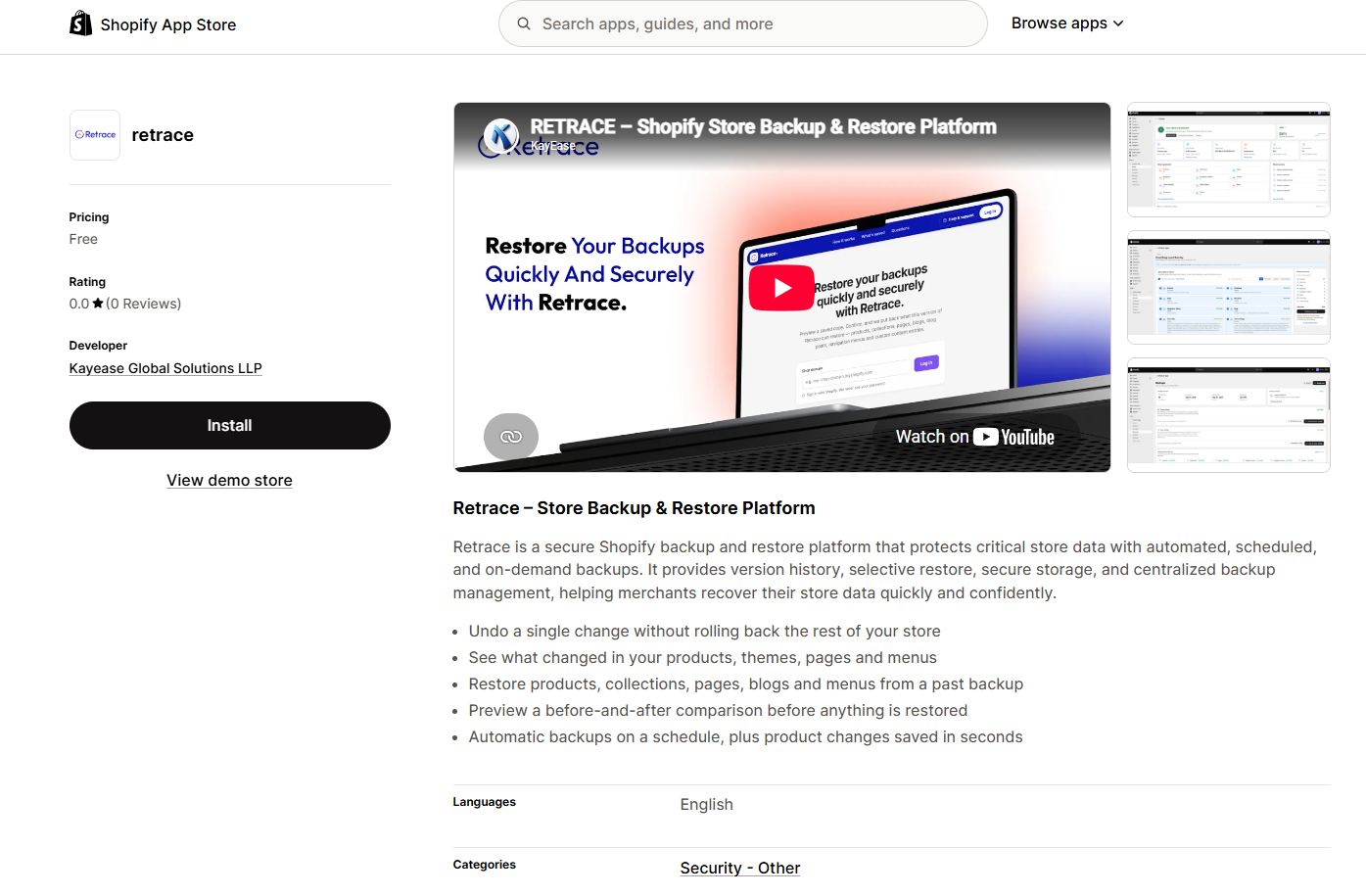
We're excited to announce that Retrace, developed by Kayease Global Solutions LLP, is now available on the Shopify App Store!
Designed to help Shopify merchants protect their valuable store data, Retrace brings backup management and recovery tools together in one platform.
With Retrace, merchants can:
- Automate Backups: Schedule backups or create them on demand.
- Track Version History: Review previous changes to important store data.
- Restore Selectively: Recover supported data without rolling back the entire store.
- Preview Changes: Compare previous and current versions before restoring.
- Manage Backups: Access backup information and recovery options from one place.
And the best part? Retrace is currently listed as free to install on the Shopify App Store.
Whether you're managing a growing product catalog or frequently updating your storefront, Retrace is designed to help you stay prepared for unexpected changes.
Retrace is live. Your store data deserves a backup plan.
Explore Retrace on the Shopify App Store and get started today.
Never miss a post
Subscribe to our RSS feed and every new article lands in your reader automatically — no email, no algorithm.
Works with Feedly, Inoreader, NetNewsWire and any other reader. View raw feed