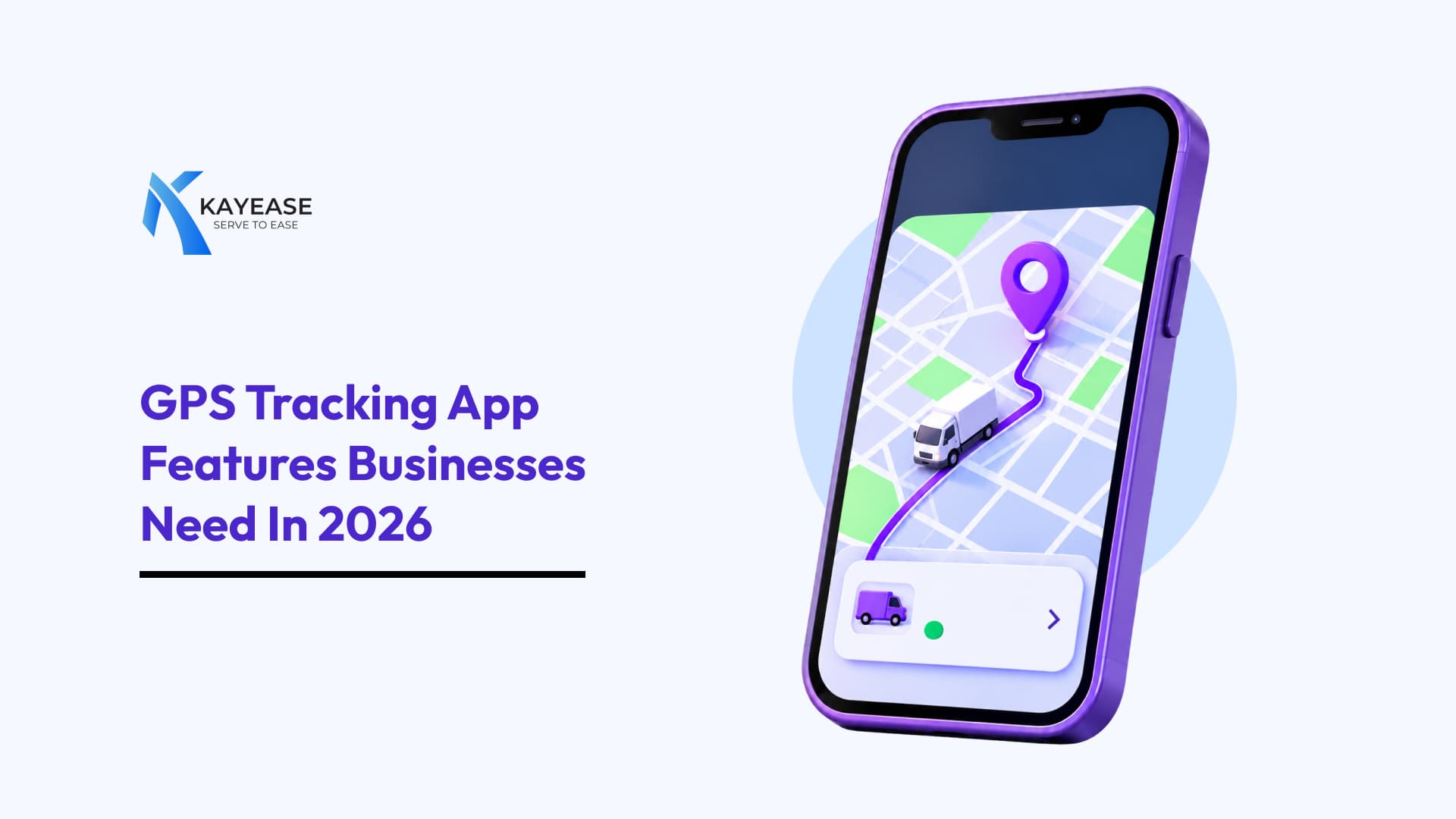
GPS Tracking App Features Businesses Need in 2026
Explore the must-have GPS tracking app features businesses need in 2026. Learn how real-time tracking, smart alerts, route optimisation and analytics can improve business operations.
GPS Tracking App Features Businesses Need in 2026
For businesses that manage vehicles, deliveries, field employees or transportation operations, knowing where everything is and what's happening in real time can make a huge difference. A modern GPS Tracking App is no longer just a tool for checking vehicle locations. It has become an important part of business operations, helping companies improve visibility, manage resources, monitor performance and make smarter decisions.
In 2026, businesses need more than basic location tracking. They need intelligent features that simplify daily operations, reduce unnecessary costs and improve overall productivity.
Whether you run a logistics company, delivery service, fleet management business or field service team, choosing the right GPS tracking app can help you stay ahead.
Let's explore the essential GPS tracking app features businesses should look for in 2026.
1. Real-Time GPS Location Tracking
Real-time location tracking is the foundation of every effective GPS tracking app. It allows business owners and managers to see the current location of their vehicles, employees or valuable assets through a digital map.
Instead of constantly calling drivers or field employees for updates, managers can access location information directly from the app.
Why businesses need it:
- Monitor vehicle locations in real time.
- Improve coordination between teams.
- Check delivery and service progress.
- Reduce unnecessary communication.
- Respond quickly to unexpected situations.
A reliable tracking system should also provide accurate location updates and configurable refresh intervals.
2. Smart Geofencing and Location Alerts
Geofencing allows businesses to create virtual boundaries around specific locations, such as warehouses, offices, customer locations or delivery zones.
Whenever a tracked vehicle enters or exits a predefined area, the app can automatically send a notification.
Key benefits include:
- Receive arrival and departure notifications.
- Monitor vehicle movement around restricted areas.
- Track warehouse entry and exit activities.
- Identify unauthorised vehicle movement.
- Automate location-based attendance or visit records where appropriate.
For example, a delivery company can receive an automatic notification when a delivery vehicle reaches its destination without needing to contact the driver.
3. Smart Route Optimisation
Choosing the right route can save time, fuel and operational expenses. Modern GPS tracking apps can use traffic conditions, road restrictions, delivery locations and journey information to recommend more efficient routes.
For businesses managing multiple vehicles or daily deliveries, route optimisation can make operations significantly smoother.
Important route optimisation features:
- Traffic-aware route suggestions.
- Multiple-stop route planning.
- Alternative route recommendations.
- Estimated arrival times.
- Route deviation notifications.
- Planned versus actual route comparisons.
These features help businesses reduce unnecessary travel and improve delivery planning.
4. Live Vehicle and Driver Monitoring
Tracking a vehicle's location is useful, but understanding how it is being driven provides additional operational insights.
A GPS tracking app with driver monitoring can help businesses identify driving patterns and encourage safer driving practices.
Look for features such as:
- Overspeeding alerts.
- Harsh braking detection.
- Sudden acceleration monitoring.
- Excessive idling notifications.
- Trip duration tracking.
- Driver performance reports.
These insights can help fleet managers identify training requirements, improve road safety and encourage responsible driving.
5. Trip History and Route Playback
Sometimes, knowing where a vehicle is right now isn't enough. Businesses also need to understand where it has been.
Trip history allows managers to review previous journeys, including routes travelled, stops made, travel duration and distance covered.
Route playback makes this information easier to understand by displaying a previous journey on a map.
Why this feature matters:
- Verify completed business trips.
- Review delivery routes.
- Investigate customer complaints.
- Identify unnecessary stops.
- Compare planned and actual journeys.
This feature is particularly useful for logistics companies, transportation services and businesses with multiple field employees.
6. Instant Notifications and Emergency Alerts
A good GPS tracking app should keep business owners informed without requiring them to constantly monitor the dashboard.
Automated alerts notify users about important activities or unexpected events.
Useful notification features include:
- Vehicle entering or leaving a geofence.
- Overspeeding alerts.
- Unauthorised movement notifications.
- Route deviation alerts.
- Extended vehicle stoppage.
- Emergency or SOS notifications.
For example, if a company vehicle moves outside its authorised operating area, the manager can receive an immediate notification and investigate the situation.
7. Fuel Monitoring and Expense Management
Fuel is one of the major operating expenses for businesses managing vehicle fleets. Monitoring fuel consumption can help identify unnecessary costs and improve efficiency.
Advanced GPS tracking systems may integrate with fuel sensors, vehicle data or fuel transaction records to provide useful insights.
Features to look for:
- Fuel consumption reports.
- Fuel usage monitoring.
- Excessive idling detection.
- Unusual fuel-level change alerts, where supported.
- Vehicle-wise fuel expense reports.
- Mileage and fuel efficiency analysis.
These insights help businesses understand where fuel is being used and identify opportunities to reduce waste.
8. Vehicle Maintenance and Service Reminders
Unexpected vehicle breakdowns can interrupt business operations and increase repair expenses.
A GPS tracking app with vehicle maintenance management can help businesses stay ahead of routine servicing and maintenance requirements.
Important features include:
- Automatic service reminders.
- Mileage-based maintenance alerts.
- Vehicle service history.
- Insurance and document expiry reminders.
- Maintenance scheduling.
- Vehicle health information, where supported by connected hardware.
Regular maintenance planning helps businesses minimise avoidable downtime and keep vehicles ready for daily operations.
9. Advanced Reports and Business Analytics
Tracking data becomes more valuable when businesses can turn it into useful information.
A reporting and analytics dashboard helps managers understand vehicle usage, driver performance, trip activity and overall operational efficiency.
Look for reports covering:
- Total distance travelled.
- Daily and monthly vehicle usage.
- Driver activity.
- Fuel consumption.
- Idle time.
- Trip duration.
- Route performance.
- Vehicle maintenance history.
Advanced platforms may also offer AI-powered insights to identify patterns, highlight unusual activities and support better business decisions.
10. Mobile App Access and User-Friendly Dashboard
Business operations don't always happen inside an office. Managers may need to monitor vehicles, check alerts or review reports while travelling.
A mobile-friendly GPS tracking app allows authorised users to access important information from their smartphones.
A good mobile experience should include:
- Easy-to-use tracking maps.
- Live vehicle status.
- Instant notifications.
- Quick access to trip history.
- Driver and vehicle information.
- Simple reporting dashboards.
A clean interface is equally important. Businesses should be able to find important information without navigating through complicated menus.
11. Data Security and User Access Control
GPS tracking systems handle important business information, including vehicle locations, employee movement and operational records.
That's why data security should be a priority when selecting a GPS tracking app.
Essential security features include:
- Secure user authentication.
- Role-based access permissions.
- Encrypted data transmission and storage.
- Activity logs.
- Controlled access to location information.
- Secure data backup.
Businesses should also ensure that employee tracking follows applicable privacy laws, workplace policies and consent requirements.
12. Integration with Other Business Tools
Businesses often use multiple software platforms to manage operations, accounting, deliveries and customer relationships.
A GPS tracking app that supports third-party integrations can make these processes easier.
Useful integrations may include:
- CRM software.
- ERP systems.
- Delivery management platforms.
- Accounting software.
- Fleet management systems.
- Business reporting tools.
API support can also help businesses connect GPS tracking information with their existing applications and workflows.
13. AI-Powered Tracking and Predictive Insights
Artificial intelligence is adding another layer of intelligence to GPS tracking and fleet management.
Instead of simply displaying location information, advanced systems can analyse historical and real-time data to identify patterns and potential problems.
Some useful AI-powered capabilities include:
- Predictive vehicle maintenance.
- Intelligent route recommendations.
- Unusual movement detection.
- Driver behaviour analysis.
- Estimated arrival time predictions.
- Automated operational reports.
For example, a system may analyse vehicle performance data and highlight patterns that suggest a vehicle could require maintenance soon.
AI features should complement reliable tracking data rather than replace accurate location information.
How to Choose the Right GPS Tracking App for Your Business
Not every business needs the same tracking features. A small delivery company may need basic location tracking and route history, while a large logistics company may require advanced analytics, fuel monitoring and multiple user permissions.
Before selecting a GPS tracking app, consider these factors:
1. Understand Your Business Requirements: Identify whether you need vehicle tracking, employee location monitoring, asset tracking or complete fleet management.
2. Check Tracking Accuracy: Look for reliable location updates, suitable refresh intervals and dependable network coverage.
3. Compare Essential Features: Make sure the app includes the tools your business actually needs.
4. Evaluate Ease of Use: Choose a platform with a simple interface and easy-to-understand reports.
5. Review Security Measures: Check how the platform protects location data and manages user permissions.
6. Consider Scalability: Select a solution that can support additional vehicles, users and business operations as your company grows.
7. Check Customer Support: Reliable technical support can make a big difference when tracking issues affect daily operations.
Benefits of Using a GPS Tracking App for Businesses
Implementing the right GPS tracking app can offer several operational advantages.
- Better Visibility: Know where your vehicles and assets are.
- Improved Productivity: Manage daily activities more efficiently.
- Reduced Operational Costs: Identify unnecessary fuel consumption and travel.
- Better Customer Experience: Provide more accurate delivery updates and estimated arrival times.
- Enhanced Safety: Monitor driving behaviour and receive important alerts.
- Smarter Decisions: Use reports and analytics to improve business planning.
- Improved Accountability: Maintain clear records of trips and business activities.
The actual benefits depend on how effectively the system is implemented and used.
Frequently Asked Questions (FAQs)
1. What is a GPS tracking app?
A GPS tracking app is software that uses location data from smartphones or GPS-enabled tracking devices to monitor the movement of vehicles, people or assets through a digital map.
2. What are the most important features of a GPS tracking app?
The most important features include real-time tracking, geofencing, route optimisation, trip history, driver monitoring, instant alerts, reporting and data security.
3. How does GPS tracking help businesses?
GPS tracking helps businesses improve operational visibility, manage vehicles, monitor trips, optimise routes and make better decisions using location-based information.
4. Can a GPS tracking app monitor multiple vehicles?
Yes. Most business-focused GPS tracking platforms support multiple vehicles through a central dashboard, allowing managers to monitor several vehicles simultaneously.
5. Is GPS tracking useful for small businesses?
Yes. Small businesses involved in deliveries, transportation or field services can benefit from location tracking, route planning and trip reports.
6. Can GPS tracking apps help reduce fuel costs?
Yes. By analysing routes, mileage, idle time and fuel consumption data, businesses can identify inefficiencies and work towards reducing unnecessary fuel expenses.
7. Is employee GPS tracking secure?
It can be secure when the system uses appropriate access controls, data protection measures and transparent employee tracking policies. Businesses should follow applicable privacy regulations.
8. What is the difference between GPS tracking and fleet management software?
GPS tracking primarily focuses on monitoring location and movement. Fleet management software offers broader functionality, which may include vehicle maintenance, fuel management, driver monitoring, reporting and operational planning.
Final Thoughts
In 2026, businesses need more than a simple location-tracking solution. They need smarter tools that help them manage vehicles, coordinate teams, reduce operational inefficiencies and make informed decisions.
From real-time tracking and geofencing to AI-powered insights and advanced reporting, the right GPS tracking app can become an important part of everyday business operations.
Before choosing a platform, focus on features that solve your actual business challenges. A useful GPS tracking solution should not just tell you where your vehicles are; it should help you understand how your business is moving forward.
Never miss a post
Subscribe to our RSS feed and every new article lands in your reader automatically — no email, no algorithm.
Works with Feedly, Inoreader, NetNewsWire and any other reader. View raw feed